How to use shortcuts for Windows 10
Maybe you noticed that you could use shortcuts with Windows 10, but did you know that you can for example restart GPU (Graphics card) or close all apps. In this blog you can learn new shortcuts that can save you some minutes or make better experience with Windows 10. Here are 15 shortcuts.

| Copy: | Ctrl + C |
|---|---|
| Cut | Ctrl + X |
| Paste | Ctrl + V |
| Maximaze Windows | F11 or Windows logo key + Up arrow |
| Open Task View | Windows logo key + Tab |
| Display and hide the desktop | Windows logo key + D |
| Switch between open apps | Alt + Tab |
| Open the Quick Link menu | Windows logo key + X |
| Lock your PC: | Windows logo key + L |
| Restart GPU | CTRL+SHIFT+B |
| Close all apps | ALT+F4 |
| Snap between | Windows logo key+left or right arrow |
| Open task manager | CTRL+SHIFT+ESC |
| Printscreen | Windows logo key+PrtSc |

There are many more, but I think these are most important. For example, Copy and Paste are most known and also most used and Windows logo key+D is least used.
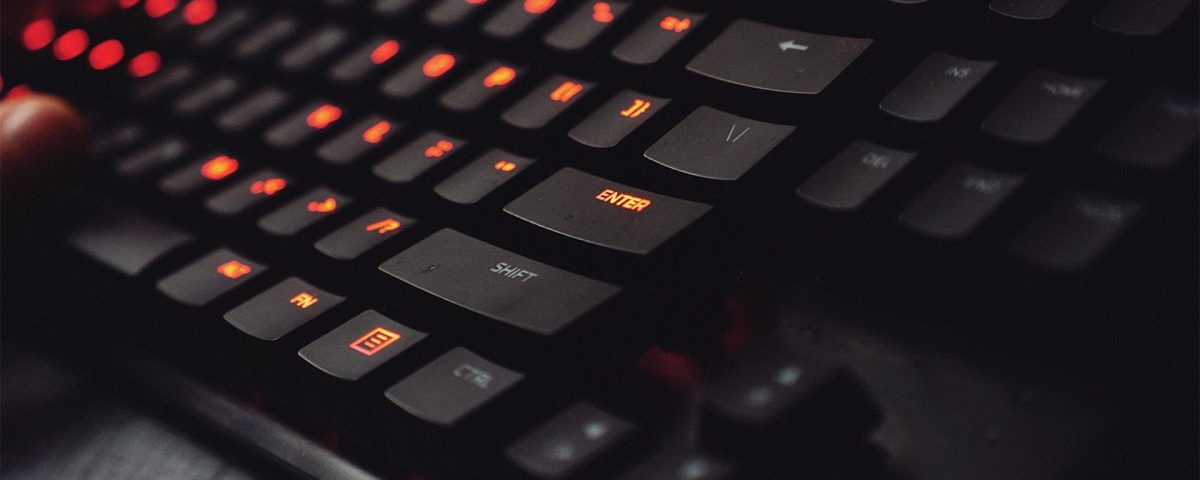
My favorite is Snap between because it can be used when you are playing videogames and you are not allowed to then you can snap between desktops and your parent can not catch you. Of course, you must be quick.
But open Task manager is very useful too you can watch which apps are running on the background and cancel them if you want. I use a lot of shortcuts and they saved me many minutes if not hours. And you do you use shortcuts too, if yes which ones?
Tomi Meško 9.3.2022